Make Mega drop-down Using Jquery, Best for designers & developers.
Mega drop-down menus are not actually new, but more and more we see them on popular websites and blogs. With the ever increasing quantity of content on the web we have to figure out solutions to display content and navigation but still keep everything usable and provide a good user experience. It’s no wonder mega drop-downs are now used more often.
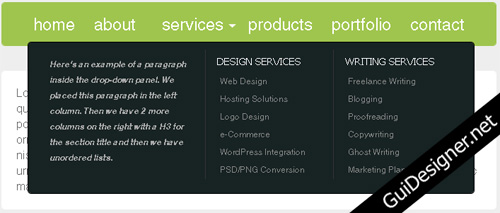
Today we’ll take a look at creating a simple HTML site with a horizontal navigation bar where a menu item will have a mega drop-down attached to it. I used jQuery for the drop-down and some CSS3 for the rounded corners.
Working Demo And Download
Please have a look at the demo to have a better idea of how the menu will work:
You can also download a zip file containing the files from this tutorial:
I hope you enjoyed this tutorial, please let me know what you think!
 How to Start a Functioning Website Under Thirty Dollars 2021?
 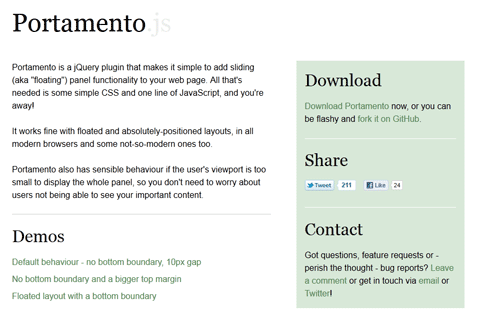 A Simple jQuery Plugin For Flexible Floating Panels With Portamento.js
 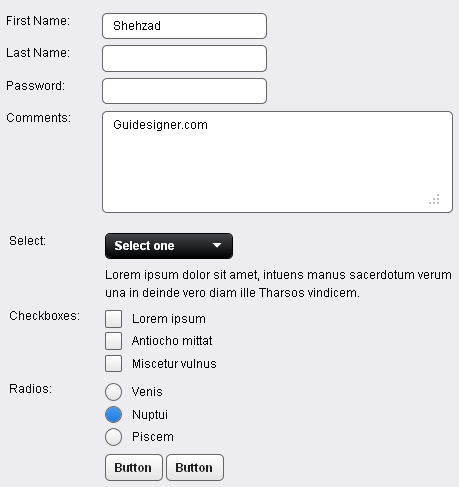 A Light weight, small framework for beautiful forms: Ideal Forms
 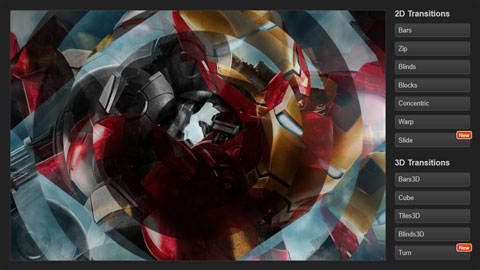 CSS3 Powered jQuery Image Slider for 2D or 3D transitions – Flux Slider
  Now Easy to Convert Websites Into Mobile Quickly: Mobilize.js
  The HTML5 Time Element Is Back and Better Than Ever
  Mozilla Introduce Firefox 9, with Speed and less memory improvements
 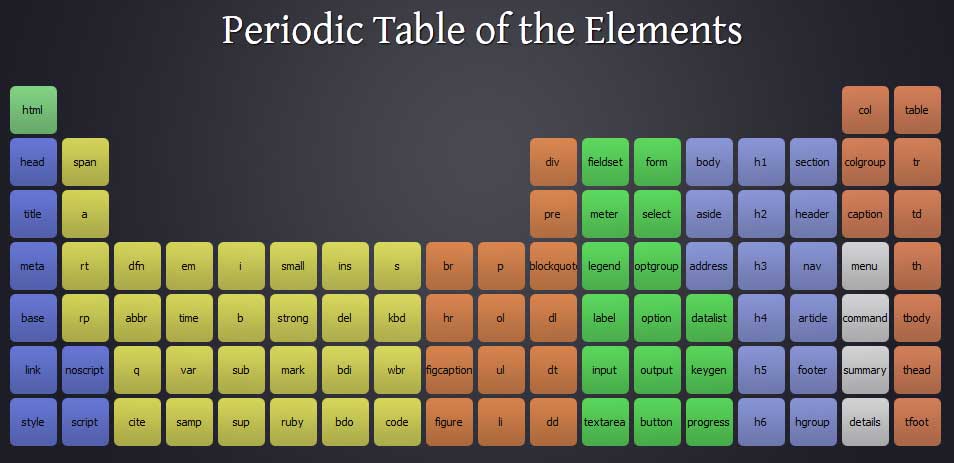 Periodeic table of HTML5 Elements, arrange by type.