Magic of jQuery, Making an Interactive Picture with jQuery
In this tutorial I will be showing you how to piece together an interactive picture – aka an image that contains tooltips and popup boxes. This can be useful for showing off a particular aspect of a photo (ie items or people).
The original inspiration for this tutorial came from the IKEA website, which uses Flash to accomplish something similar, although admittedly with a few extra features.
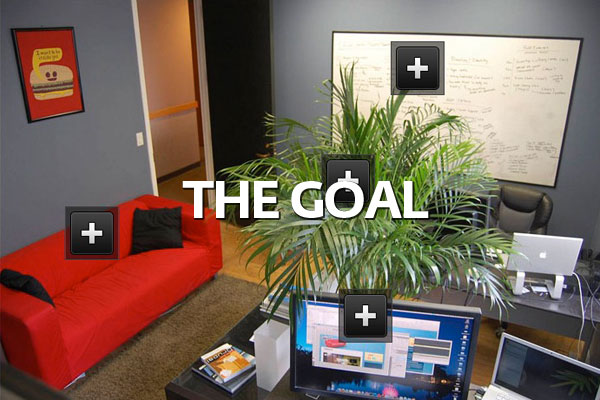
- This tutorial will show you how to set up the basic structure for your own interactive picture.
- Create/Position “more info” buttons
- Add captions to buttons
- Link buttons to descriptions in popup info boxes
Read Full Article: http://buildinternet.com/2009/11/making-an-interactive-picture-with-jquery/
 How to Start a Functioning Website Under Thirty Dollars 2021?
 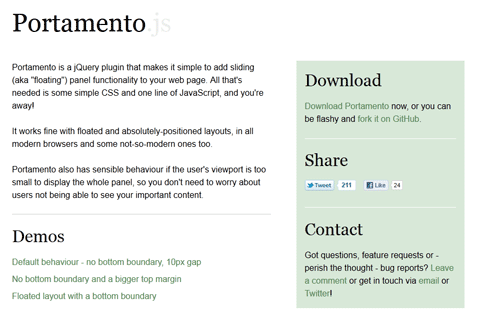 A Simple jQuery Plugin For Flexible Floating Panels With Portamento.js
 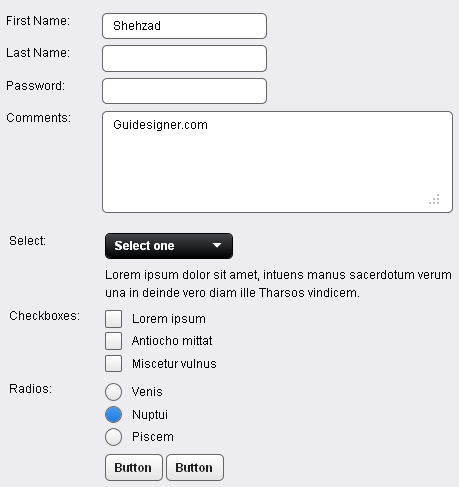 A Light weight, small framework for beautiful forms: Ideal Forms
 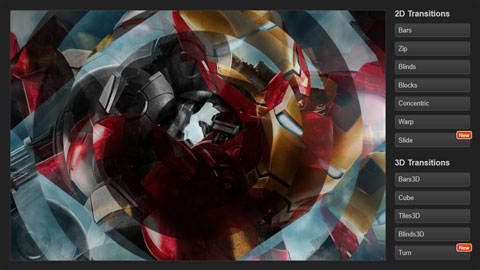 CSS3 Powered jQuery Image Slider for 2D or 3D transitions – Flux Slider
  Now Easy to Convert Websites Into Mobile Quickly: Mobilize.js
  CSS Grid vs Flexbox in 2026: Which Layout Method Should You Use?
  The HTML5 Time Element Is Back and Better Than Ever
  Mozilla Introduce Firefox 9, with Speed and less memory improvements